

Plug in.
A MagSafe mount on the hot shoe, one short USB-C cable. No laptop, no Wi-Fi, no Canon app.

iPhone + Canon
StreetKit tethers your Canon to your iPhone over a USB-C cable. Every shot lands on the phone the moment you take it. Show a QR code, they scan it, and the photos are theirs.
Coming soonGet an email when it is on the App Store.
We respect your privacy. Terms and Privacy Policy.
How it works
A MagSafe mount on the hot shoe, one short USB-C cable. No laptop, no Wi-Fi, no Canon app.













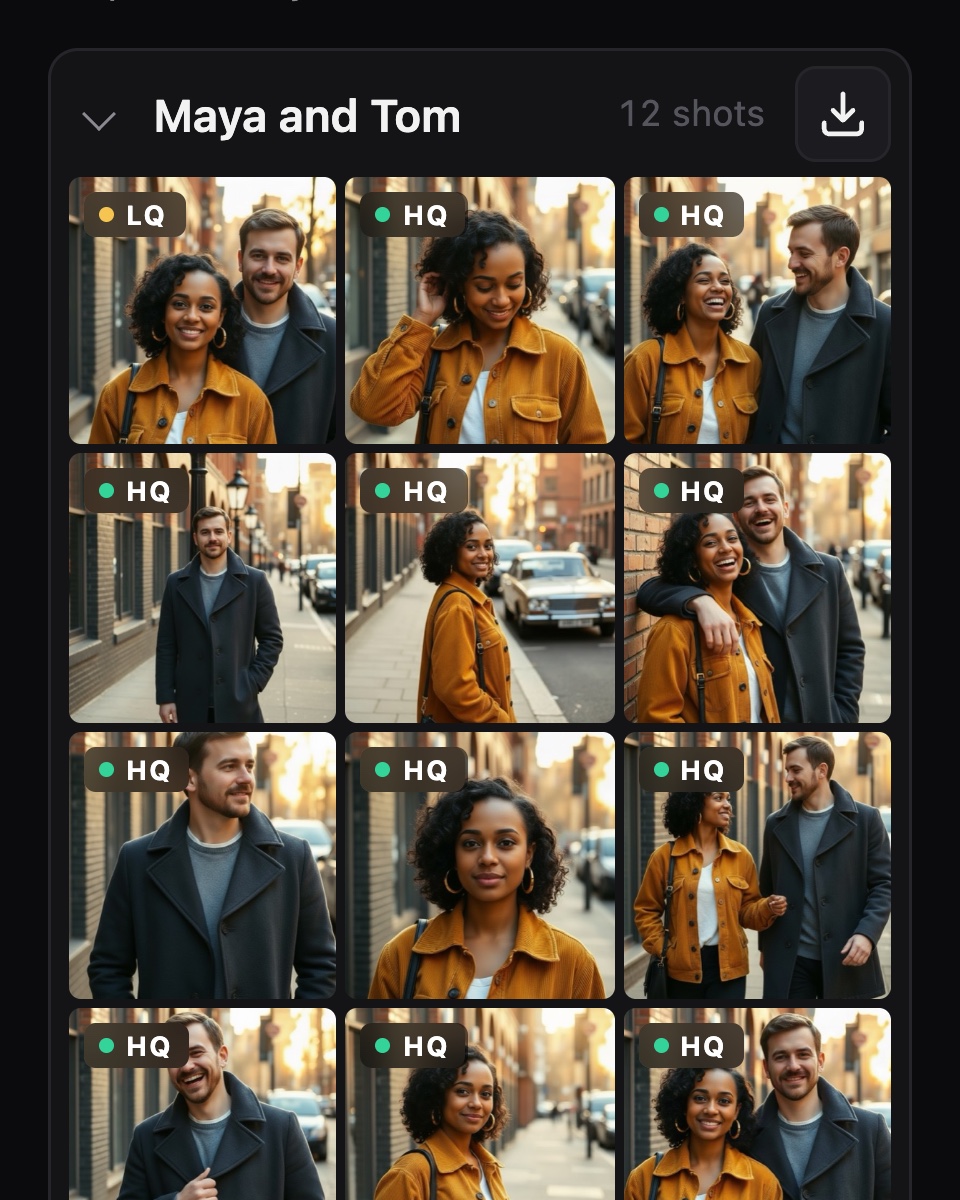
Every shot lands on the phone as you take it, newest first. One group per person you stop.

Each group has its own QR code. They scan it with their camera app. Nothing to install.
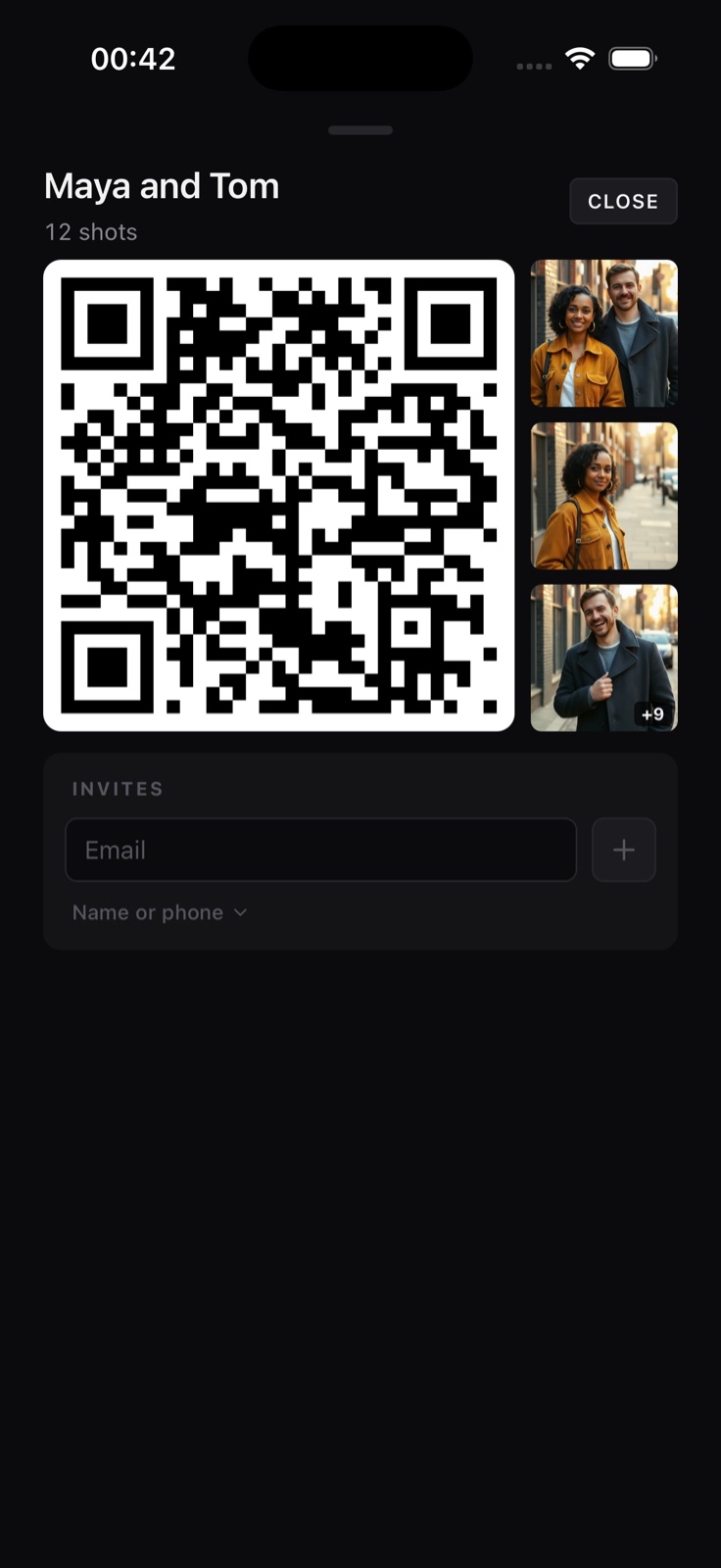
Previews in seconds. Full quality follows as the originals upload from your phone.
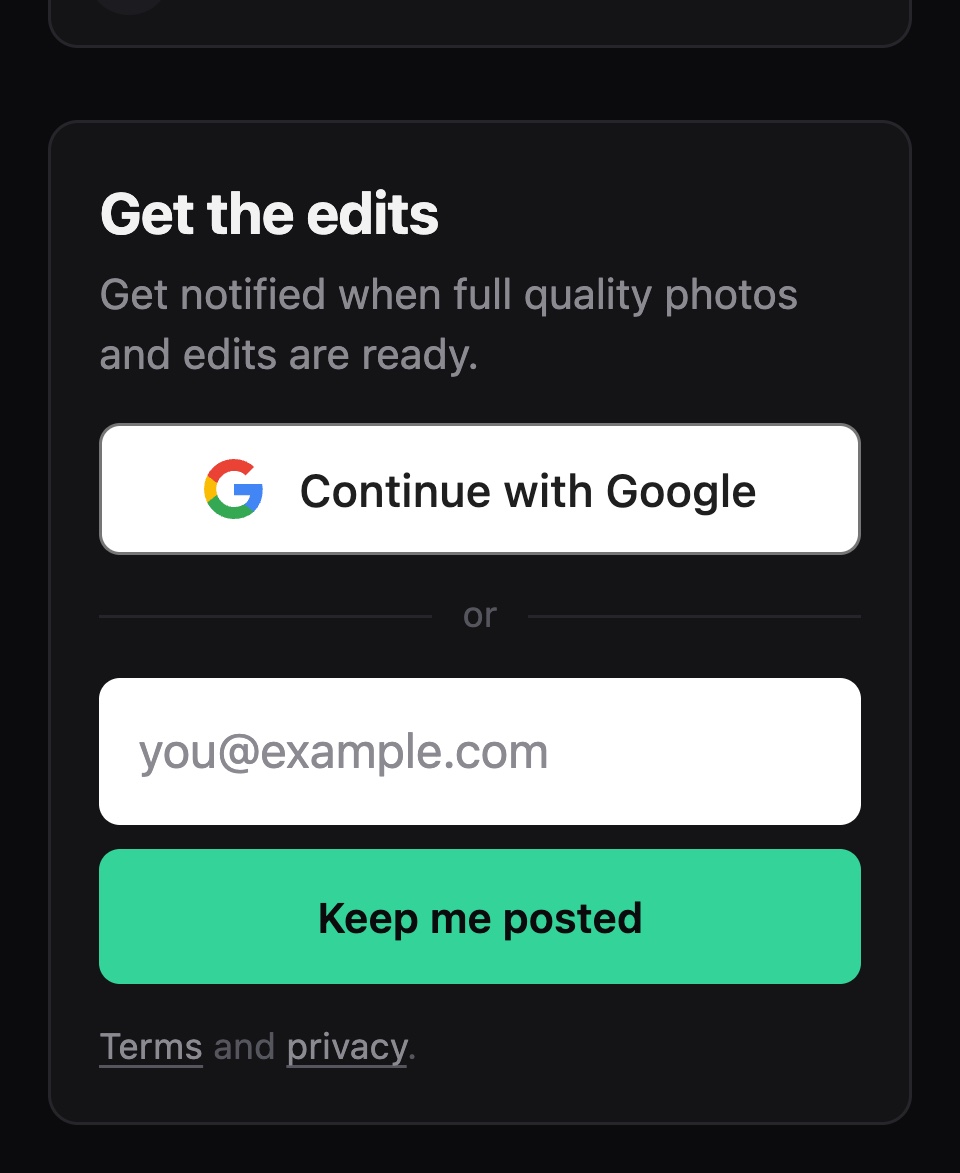
They already have the raw shots. They leave an email, or sign in with Google, so you can send the edits later.
What that gets you
Skip the burden of uploading the photos later, then trying to match them to your subjects and manually emailing each one.
The photo is on their phone while you are still talking.
The sharing is done when the walk is done.
One group and one code per person. The right photos go to the right person.
Copied to the phone and your Photos library before you take the next one.
Why shoot the street at all
Two kinds of people shoot strangers on the street. StreetKit is for both.

A camera is a reason to say hello. A photo in their hand ten seconds later is a reason for them to remember it. Stop someone, make the shot, hand it over, move on.

Everyone you hand a code to learns your name. The ones who leave an email or a number want to hear from you. Each contact stays next to the photos it came from.
What you need
Coming soon
We respect your privacy. Terms and Privacy Policy.